

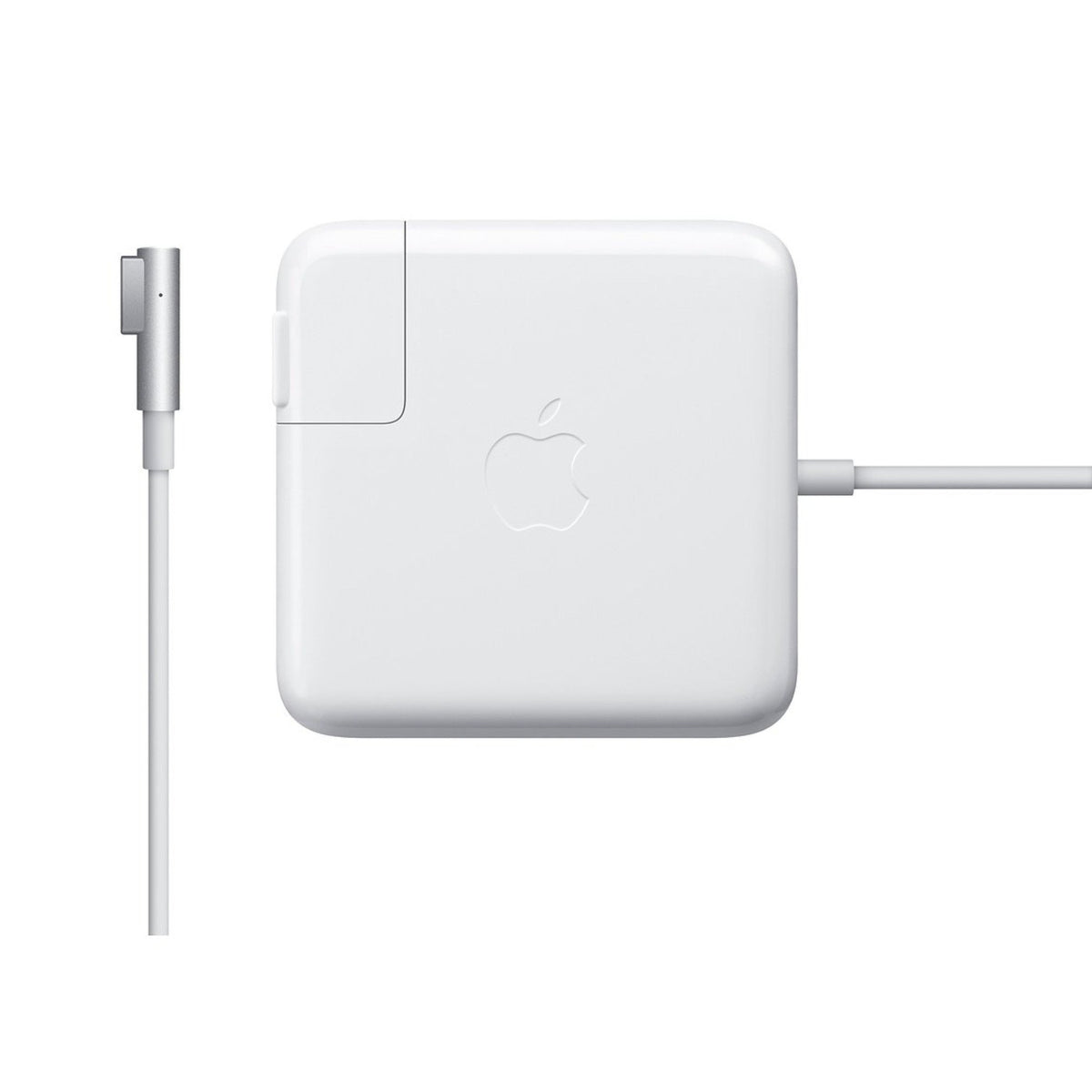
The Apple 45W MagSafe Power Adapter for MacBook Air (MC747HN/A) charges MacBook Air models that have the original MagSafe power port.
It has Apple's original MagSafe connector. Apple says a Mac that uses MagSafe charges with a T-style or L-style MagSafe power adapter, and that a MagSafe power adapter connected through Apple's MagSafe to MagSafe 2 Converter can charge a Mac that uses MagSafe 2.
The connector attaches magnetically, and its indicator light glows amber while the battery is charging or charging is on hold. Because the connector and the port contain a magnet, Apple advises keeping credit cards and other magnetic media away from them.
45W MagSafe — Up to 45W through the original MagSafe connector.
Original MagSafe Connector — For Macs with the original MagSafe port (T-style or L-style connector).
Indicator Light — Glows amber while the battery is charging or charging is on hold.
MagSafe 2 Macs — Works with a MagSafe 2 Mac through Apple's MagSafe to MagSafe 2 Converter (sold separately).
Not for MagSafe 3 — Apple notes the converter isn't compatible with MagSafe 3.
MacBook Air owners with the original MagSafe port – a spare or replacement charger
Travel – a second adapter for the bag
Offices that still use older MacBook Air models
MacBook Air models with the original MagSafe power port
Macs with MagSafe 2, through the MagSafe to MagSafe 2 Converter (sold separately)
Not for Macs with MagSafe 3 or USB-C charging
Connect the MagSafe connector to the MagSafe port on your MacBook Air.
Plug the adapter into a wall socket.
Apple says the adapter may turn itself off if it gets too warm. If that happens, disconnect it from your Mac and let it cool before handling it.
Use it in a well-ventilated area, not on soft surfaces such as a sofa, bedding or pillows.
Check the shape of your Mac's charging port before ordering. Apple's support article on MagSafe cables and power adapters shows each connector style (MagSafe 3, MagSafe 2, L-style and T-style).
Make sure the power socket works: plug in another device, such as a lamp, to check it (Apple's first troubleshooting step).
If the socket works, reconnect the adapter and try again. If your Mac still won't charge, shut it down, close the display for 30 seconds, then open it and try charging again.
Covered by Apple's one-year limited warranty. Keep the GST invoice from QuickTech for any warranty service.
Product: Apple 45W MagSafe Power Adapter for MacBook Air
Part Number: MC747HN/A
Output: 45W
Connector: MagSafe (original)
Apple 45W MagSafe Power Adapter for MacBook Air (MC747HN/A), with the in-box items Apple supplies
This Apple 45W MagSafe Power Adapter (MC747HN/A) is a brand-new, original sealed unit in official Apple retail packaging. It has never been opened or used and includes all in-box accessories as supplied by Apple.
Buying from QuickTech
| Sold by | QuickTech, an Apple Authorised Distributor Partner (DPP) in Vadodara, Gujarat, selling Apple products since 2018. |
|---|---|
| Condition | Brand-new and sealed, sourced through Apple's authorised distributors in India. |
| Warranty | 1-year Apple warranty, honoured by Apple Authorised Service Providers across India. |
| GST invoice | On every order, so GST-registered businesses can claim input tax credit. Buying for a business? |
| Delivery | Free across India: usually 1–2 business days within Gujarat and 1–5 business days elsewhere. |
| Payment | Secure online checkout, or pay at our Vadodara store. Ask us on WhatsApp about EMI options. |
| See it first | Visit our Vadodara store (Mon–Sat, 10 AM–8 PM) or ask for a live video on WhatsApp. |
| Support | WhatsApp and phone 24/7 on +91 97272 70979, or email info@quicktech.in. |